Skip to content
Home » rc-projects » FontGoblin — Font Inspector & Color Picker
FontGoblin — Font Inspector & Color Picker
key info
Project Title
FontGoblin — Font Inspector & Color Picker
category
Chrome Extension Development
project status
Active / Live
Role
Product Designer, UI/UX Designer & Developer
Tools & Technologies
JavaScript, HTML, CSS, Chrome Manifest V3, Chrome Extension APIs, PHP & MySQL, Codex
Timeline
12 Days
Project Overview
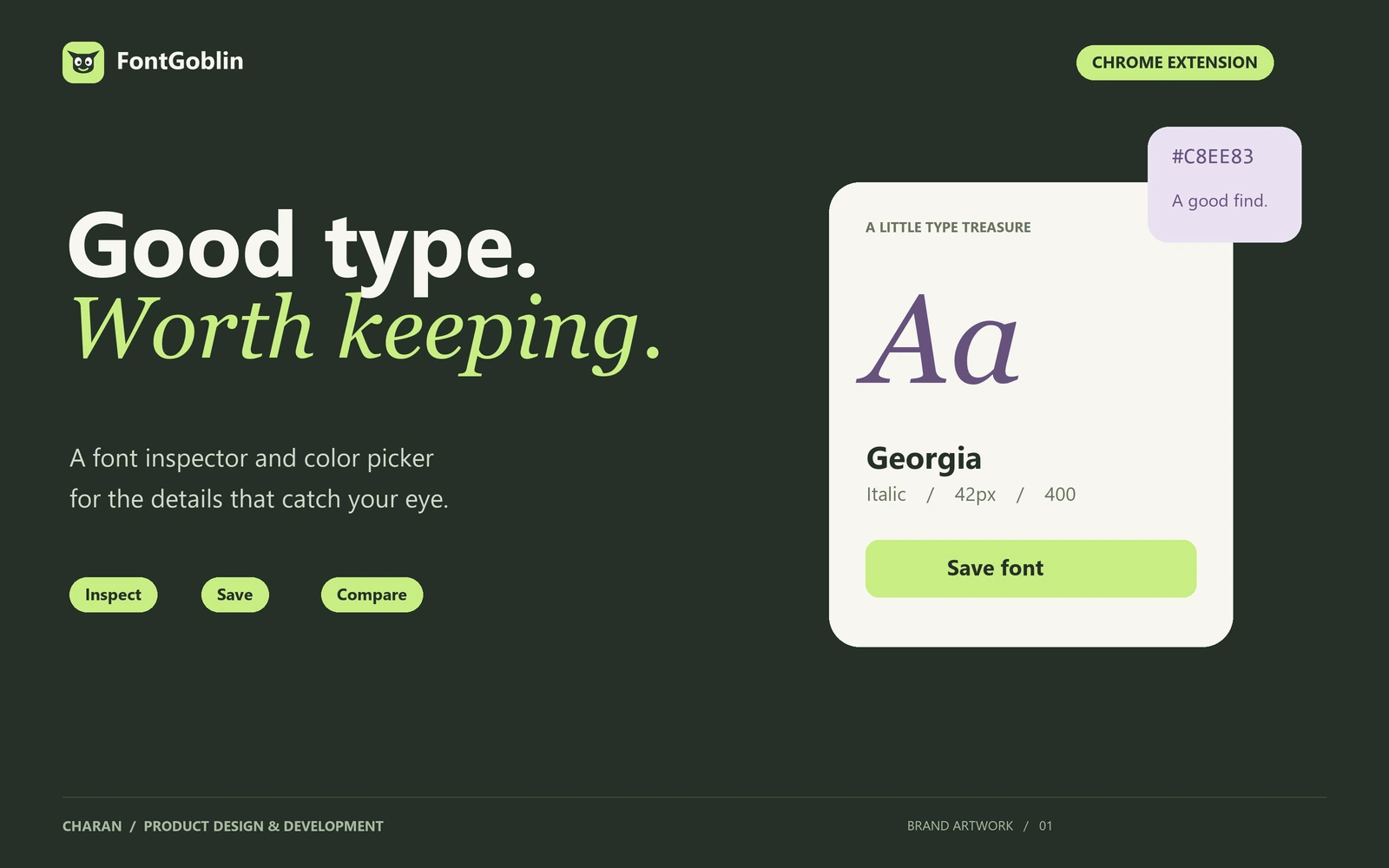
FontGoblin started with a familiar moment: finding typography on a website and wanting to know what makes it work. A font name is useful, but size, weight, spacing, and color matter just as much. I wanted those details to be easy to understand and easy to keep.
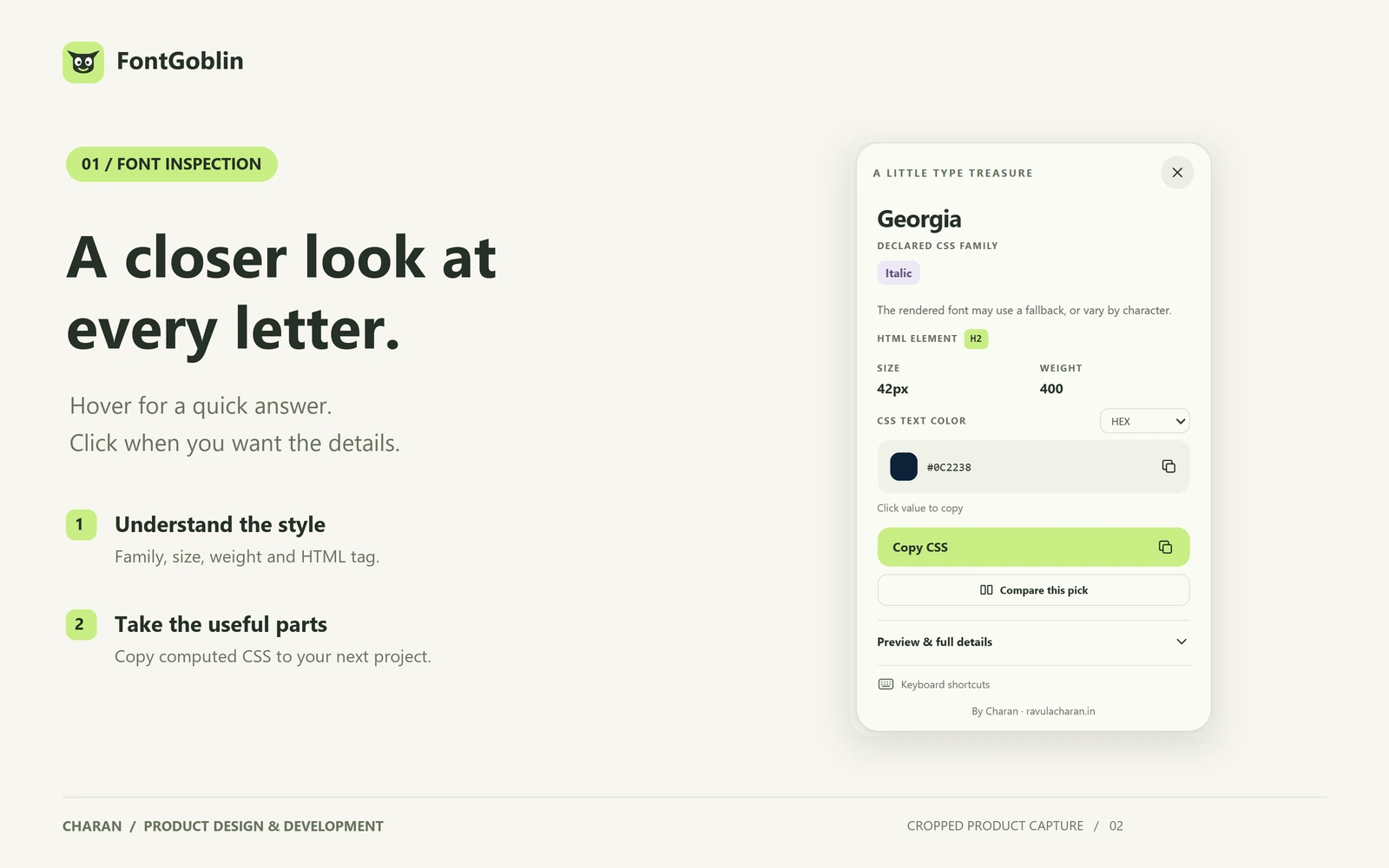
I designed and developed a Chrome extension that lets people hover over text for a quick view, then click to inspect its computed CSS styles. From the same panel, they can copy CSS, save a font style, compare two selections, or collect colors into named palettes.
The interface uses a warm neutral background, lime accents, clear typography, and a playful goblin identity. The aim was to make a technical tool feel approachable while keeping its explanations precise. Everyday actions stay visible; selectors, font-file sources, and other detailed information sit behind expandable sections.
The project also includes a product website, a practical user guide, privacy information, and a feedback form connected to a separate MySQL database. Together, these give people a place to discover the extension, learn its controls, and suggest improvements.
Key Features:
- Hover and click inspection for computed font styles and HTML tags.
- Native screen color picking and CSS color-format conversion.
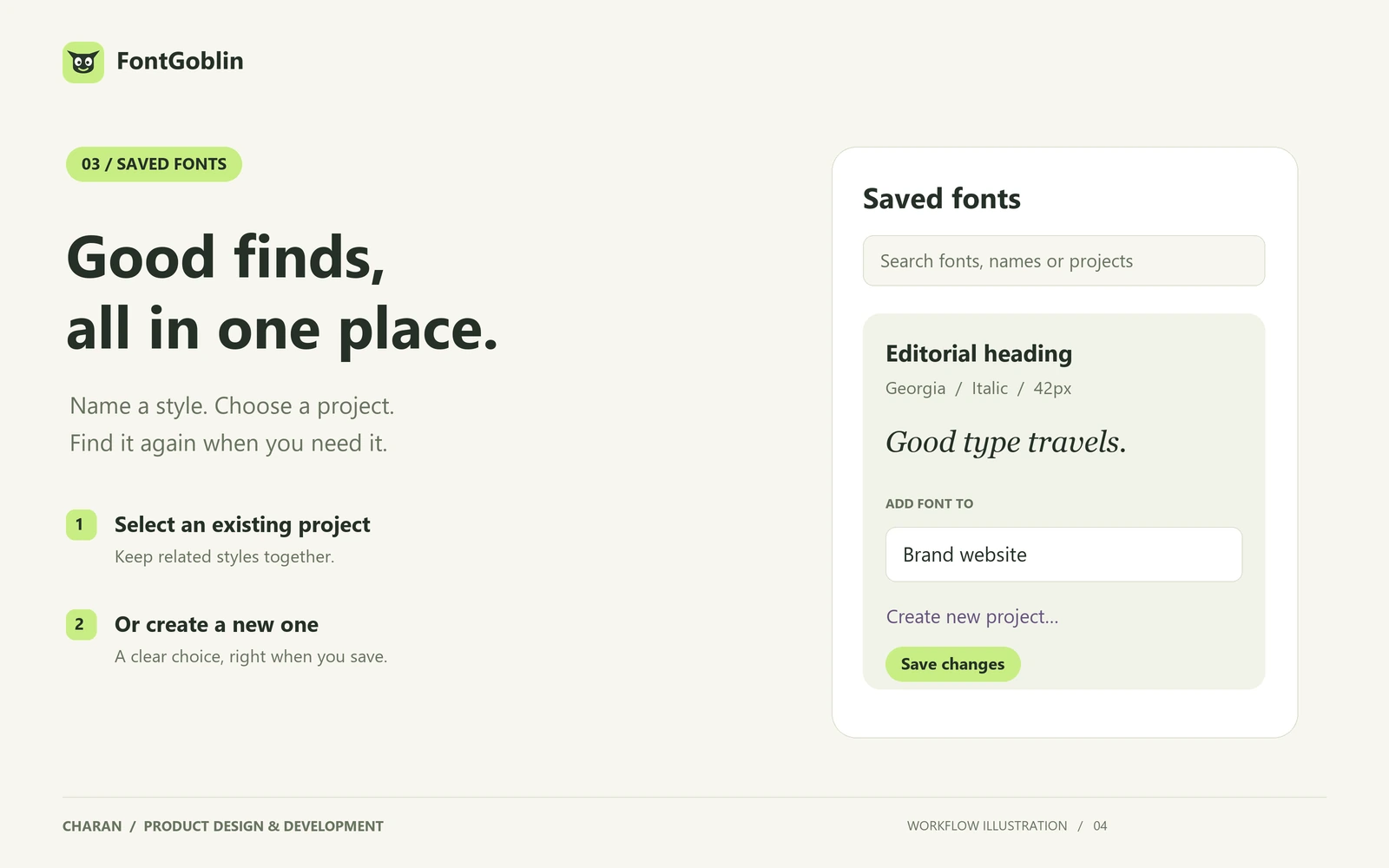
- Saved CSS font styles with searchable names and project groups.
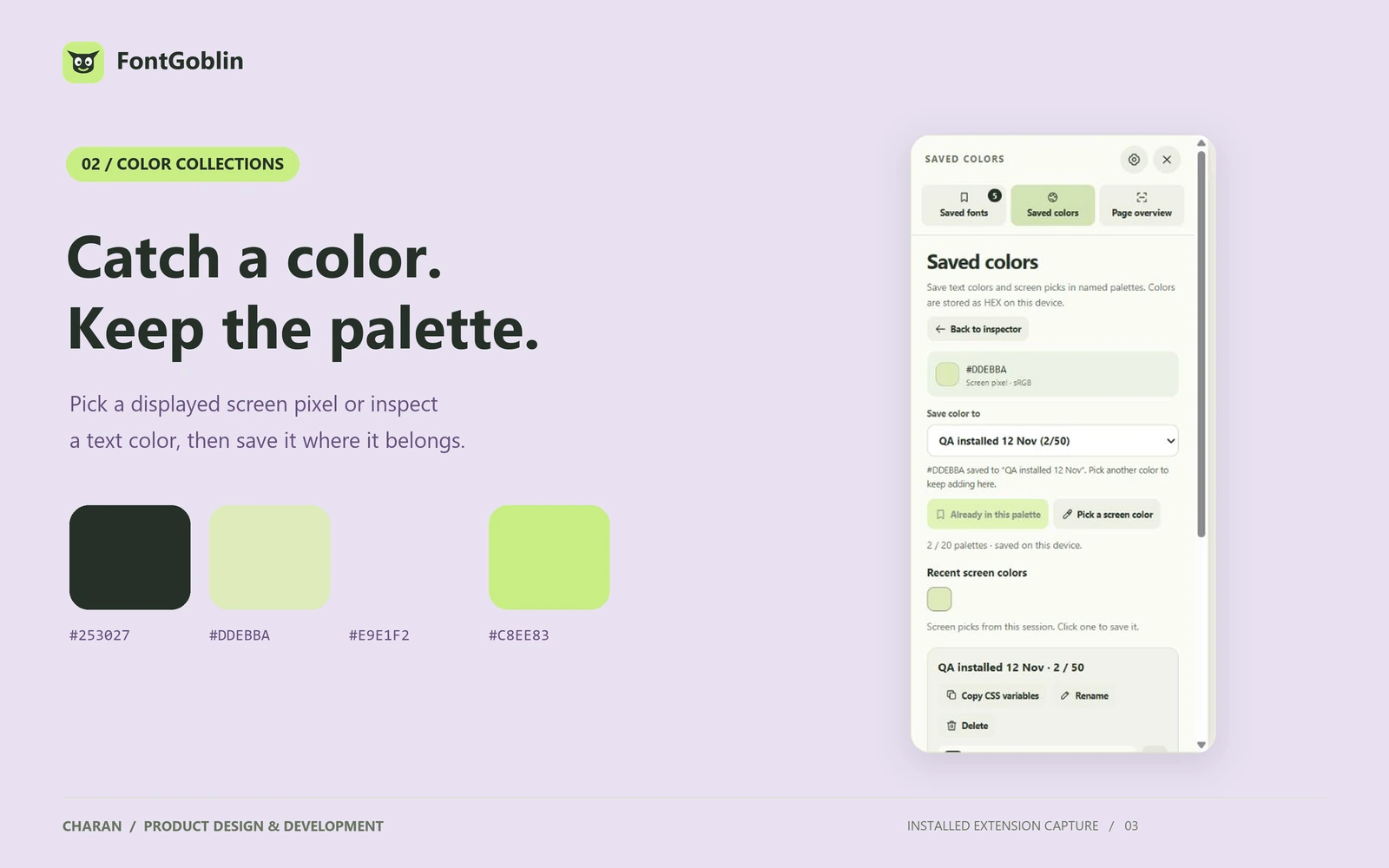
- Named color palettes with individual values and CSS-variable export.
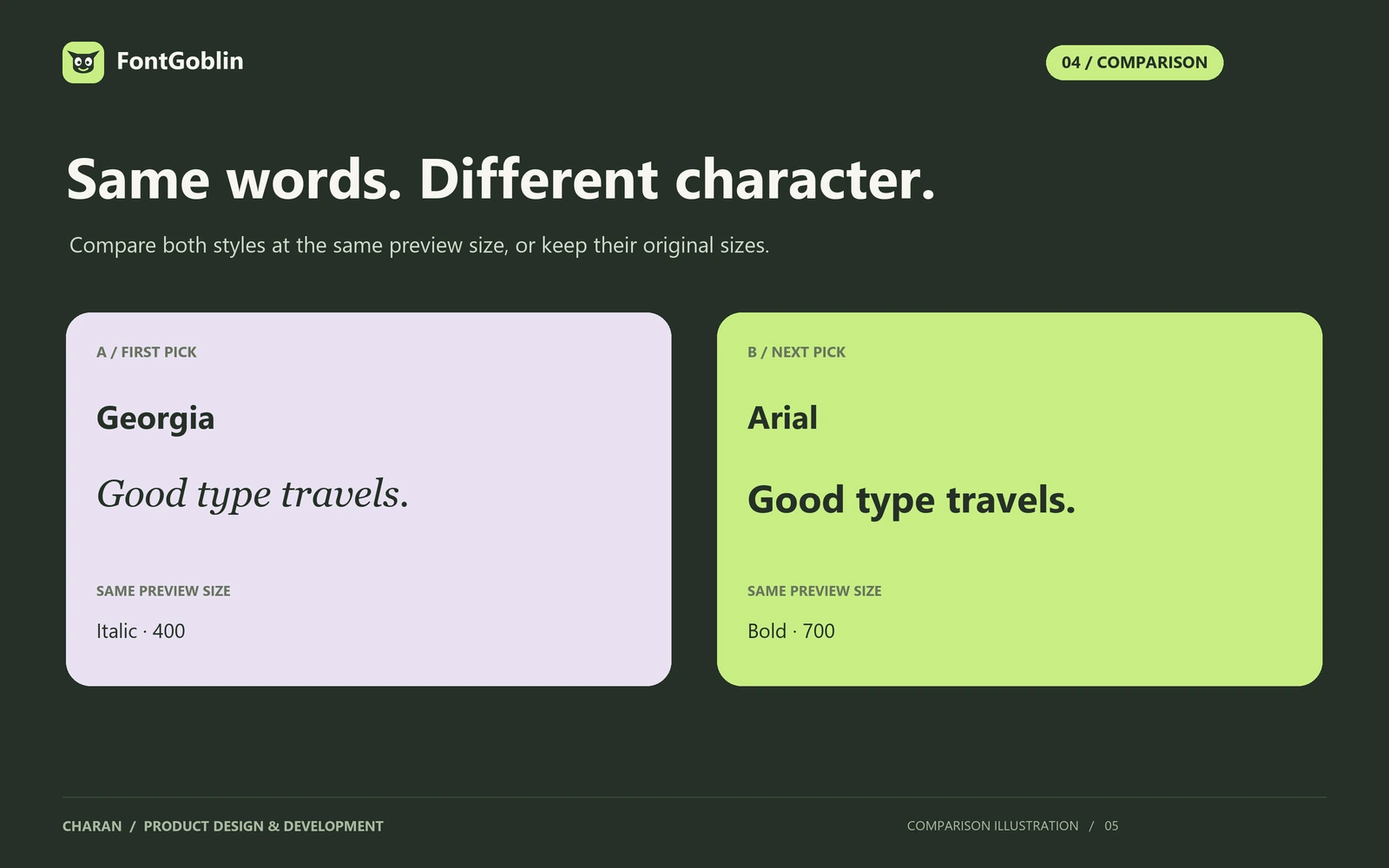
- Side-by-side typography comparison using the same sample text.
- On-demand page summaries of eligible text styles and colors.
- Font-file discovery and downloads where browser access permits.
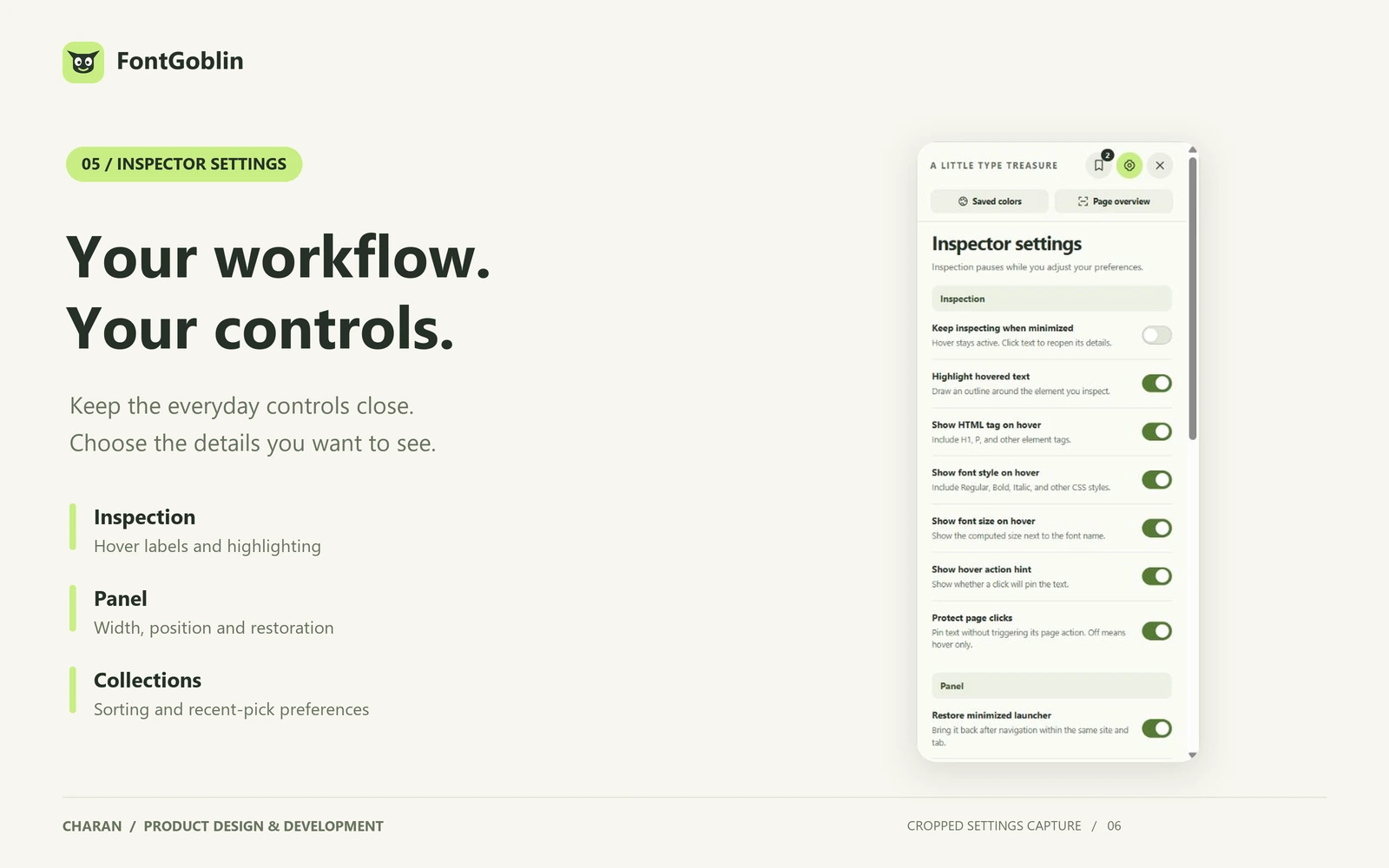
- Customizable hover details, panel width, shortcuts, and minimized behavior.
Challenges Faced
-
Keeping a growing set of tools understandable inside a small floating panel.
-
Making save actions predictable, especially when users return to an existing font, project, or palette.
-
Keeping the panel usable while people zoom, navigate, pause inspection, or minimize it.
-
Explaining computed CSS accurately without implying that a family name proves which font drew every character.
-
Distinguishing a displayed screen pixel from a CSS source color, and giving useful feedback when font files are unavailable.
-
Keeping saved collections on the device while giving users clear control over temporary inspection activity.
Solutions Implemented
- Clear task navigation: Added labelled Saved fonts, Saved colors, and Page overview controls so people can find their collections without guessing what an icon means.
- Predictable saving: Made Save font a prominent action. Once a style is saved, View saved font opens its library entry; removal stays an explicit library action.
- Easier organization: Added existing-project and new-project choices, plus a palette selector that keeps the chosen destination selected for the next color.
- A color-first flow: Show the palette-saving fields after a color is selected. Picking from Saved colors returns directly to that workflow, while cancellation preserves the previous selection.
- A flexible workspace: Built a movable panel, optional position memory, adjustable width, keyboard shortcuts, and clear states for inspection, pause, and minimization. Inspection while minimized is off by default.
- Useful detail on demand: Kept common font properties close and placed preview controls, verified selectors, contrast estimates, and readable font sources in expandable sections.
- Careful accuracy labels: Identified results as computed CSS, disclosed fallback-font limitations, and marked uncertain contrast or unavailable sources rather than guessing.
- Local collections and focused access: Stored saved CSS styles and palettes locally and used activeTab, scripting, and storage permissions. The extension does not upload inspected text, colors, or comparisons.
- Supporting product experience: Built the landing page, user guide, and optional website feedback flow, with feedback handled separately from extension inspection.
media gallery